Use cases
The separate caption screen shown beside the stage is optional in every example.
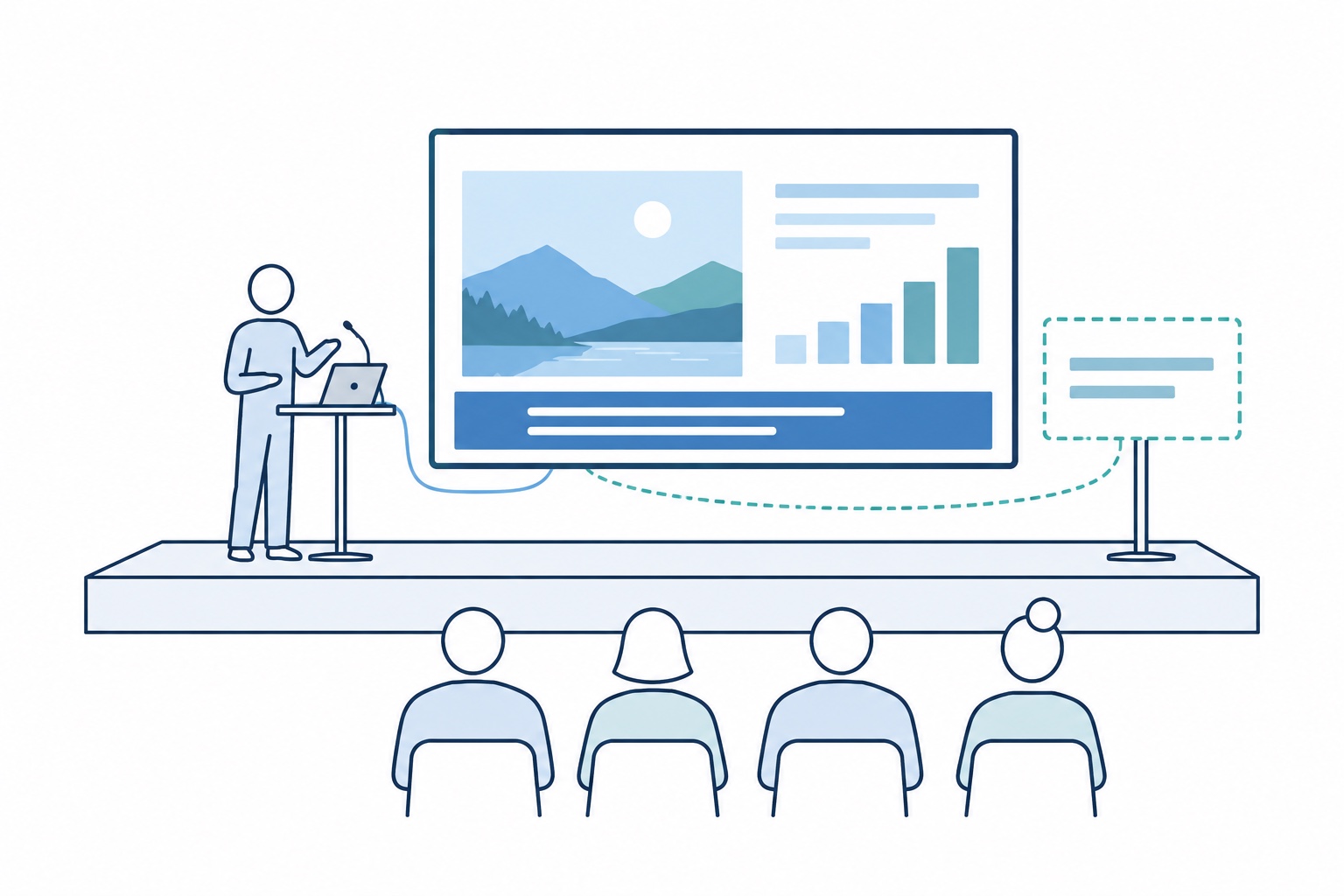
Presentation from a laptop
Speak into a microphone connected to your computer. Your audience sees translated captions on the main screen, together with your presentation.
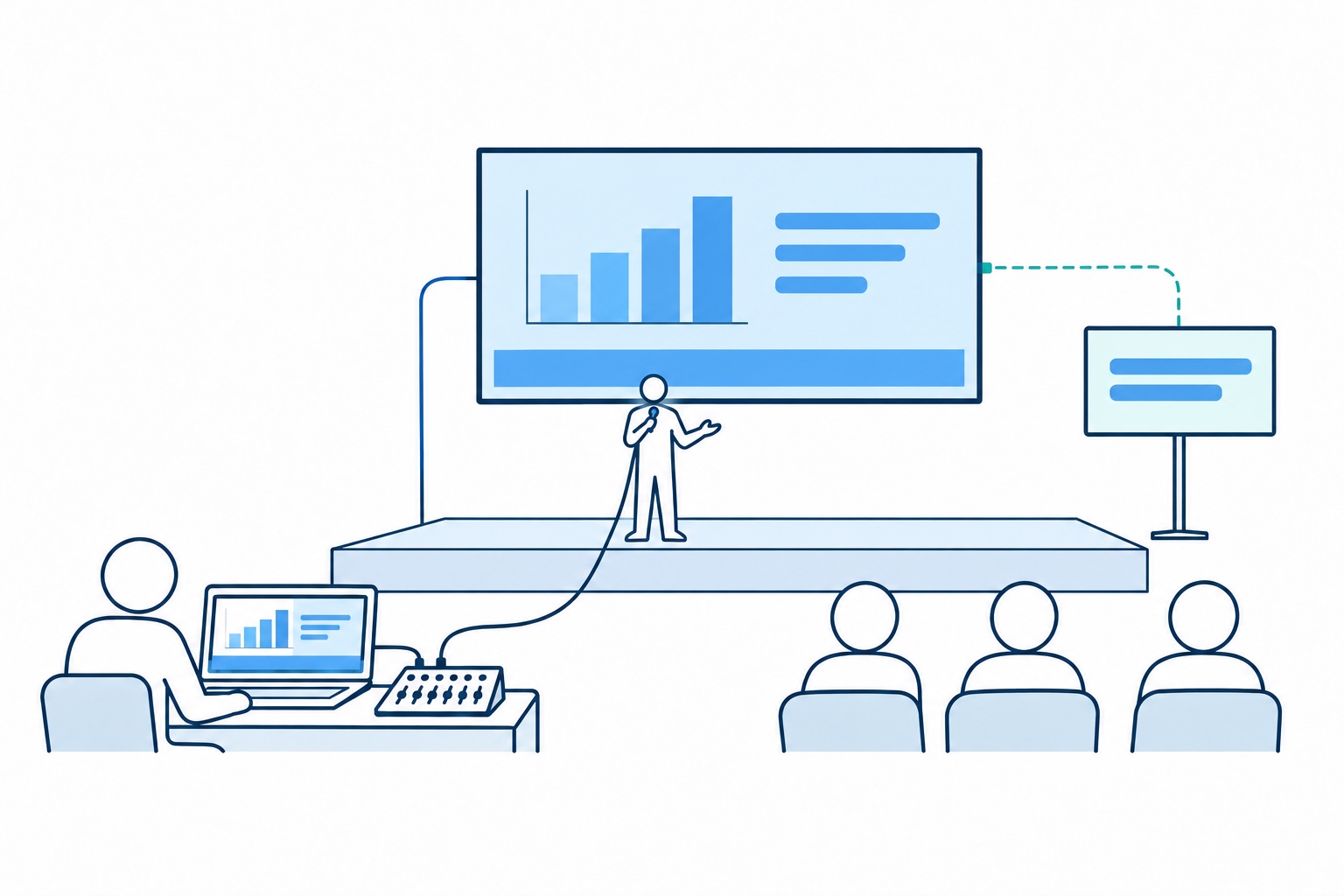
Stage production with OBS
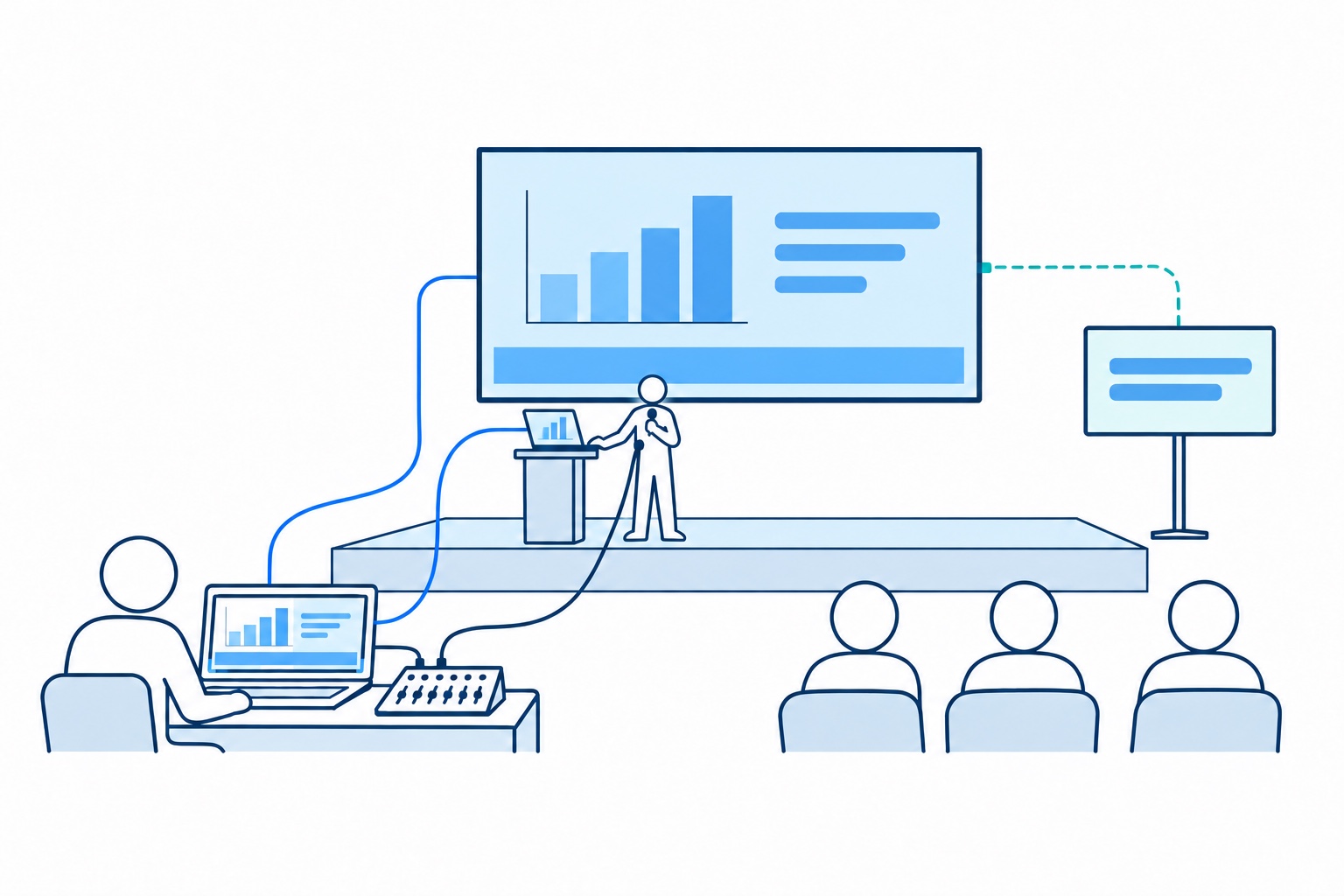
The speaker uses a microphone on stage. The operator runs the presentation and StageSubtitles, adds captions in OBS, and sends the combined image to the main screen.
Your laptop, captions added by the operator
Present from your own laptop on stage. The operator receives its video signal and the microphone audio, adds captions in OBS, and sends the combined image to the main screen.
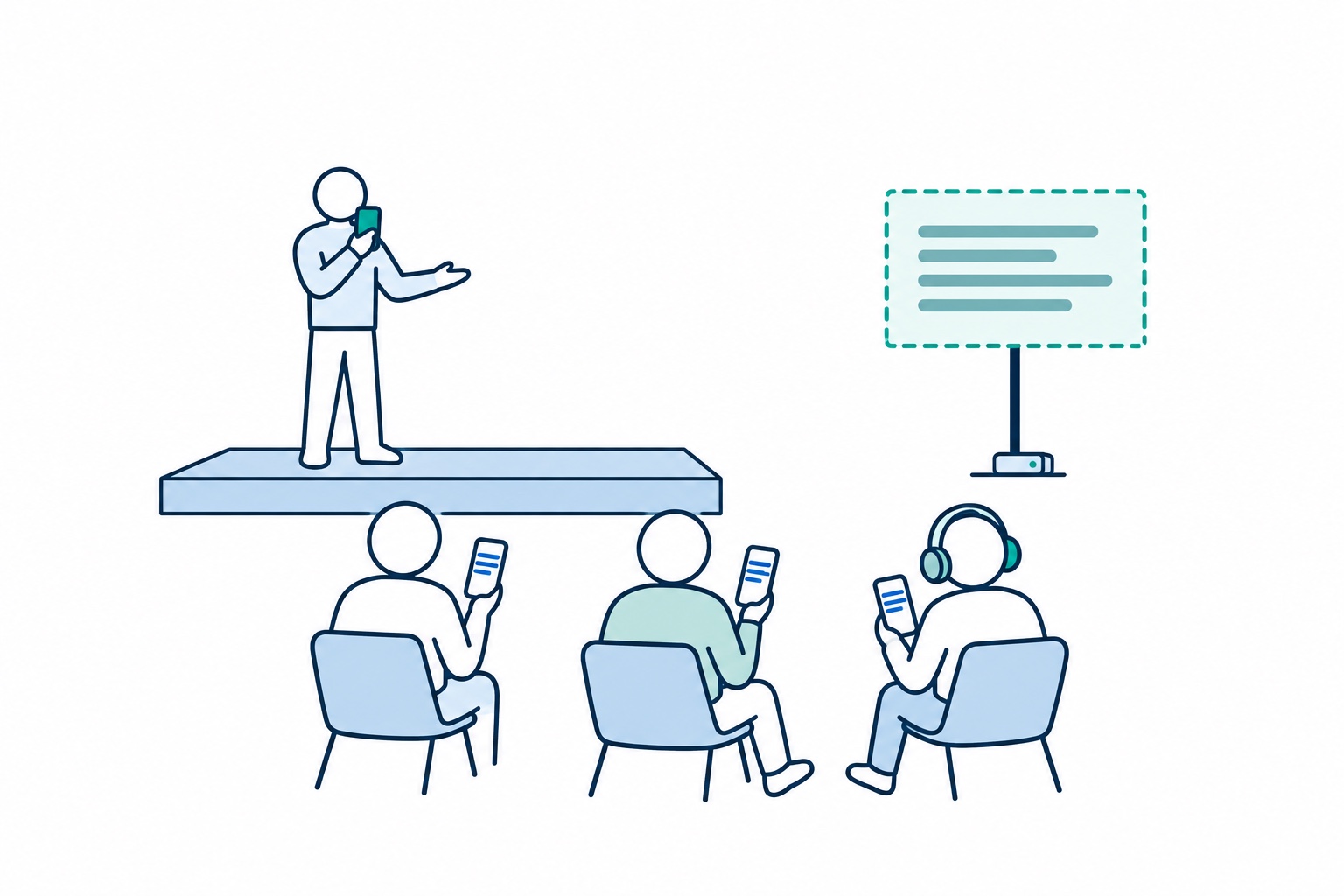
Captions and audio on phones
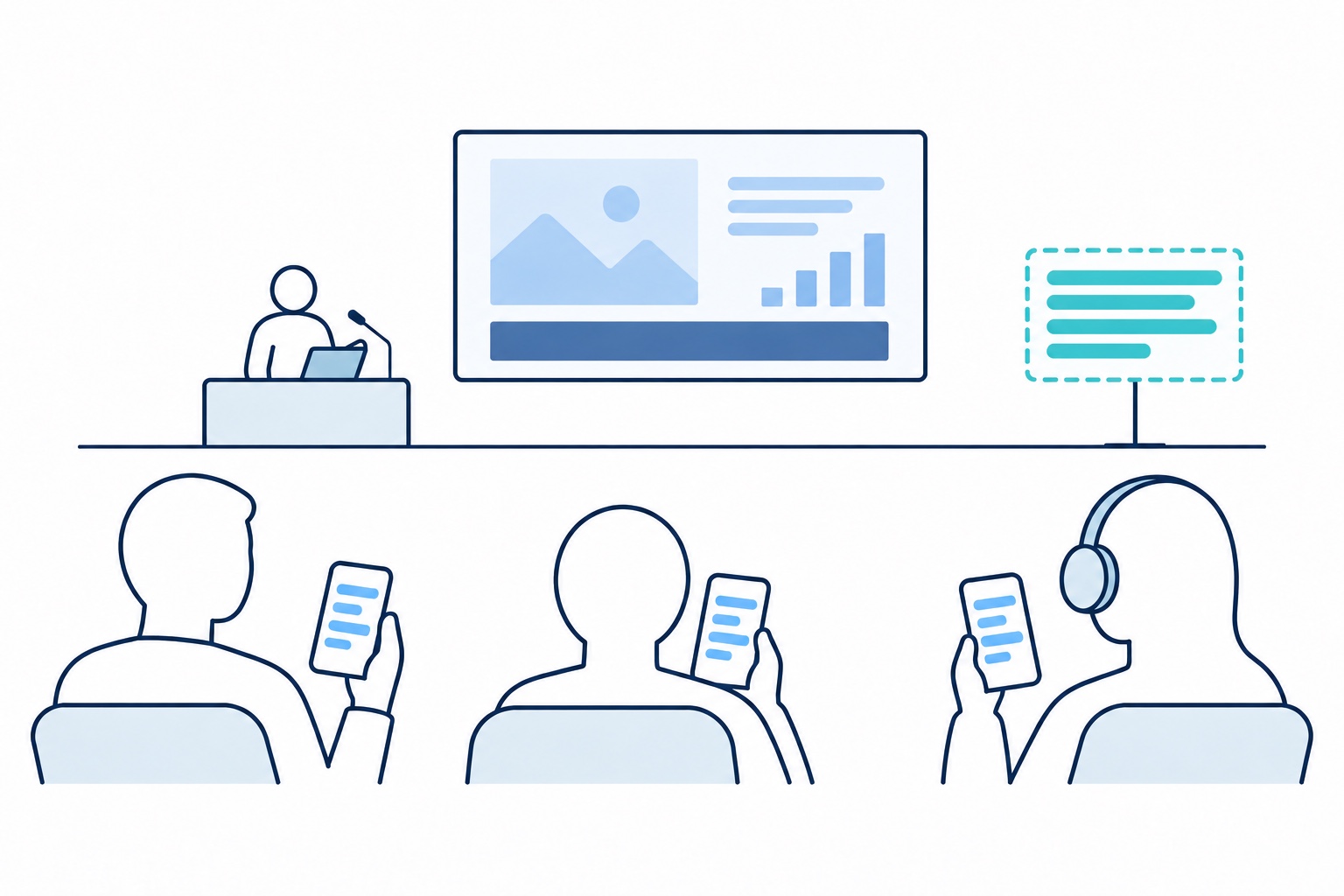
Add reception on phones to any of the setups above. Audience members read captions or listen to translated audio in the mobile app, in their chosen language.
Broadcasting from a phone
Use the mobile app to broadcast from your phone. Participants read captions or listen to translated audio on their own phones.